


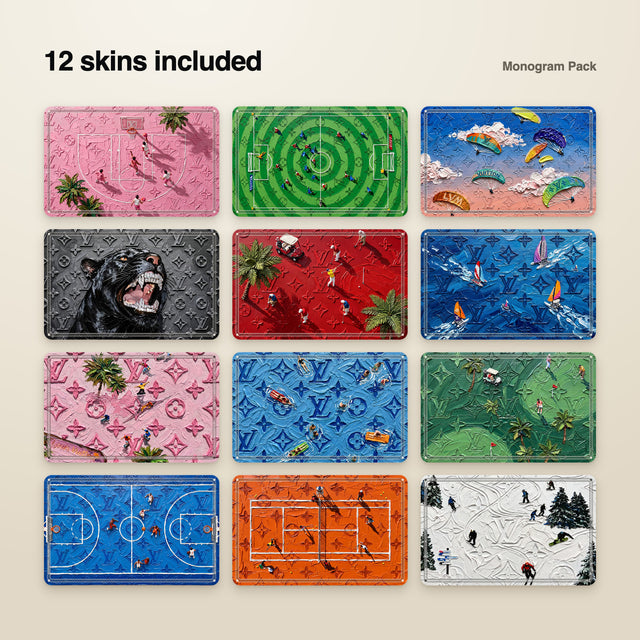
Monogram12 designs · 2.49€5.99€
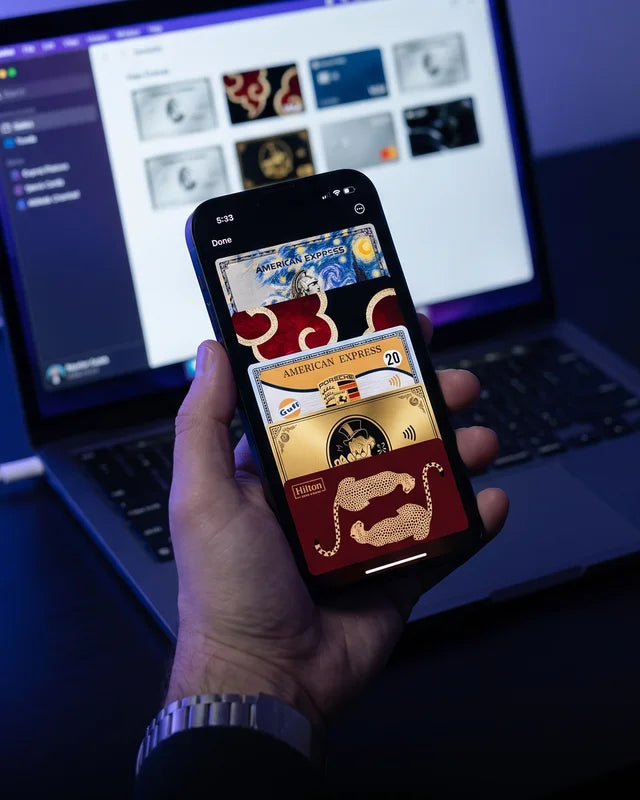
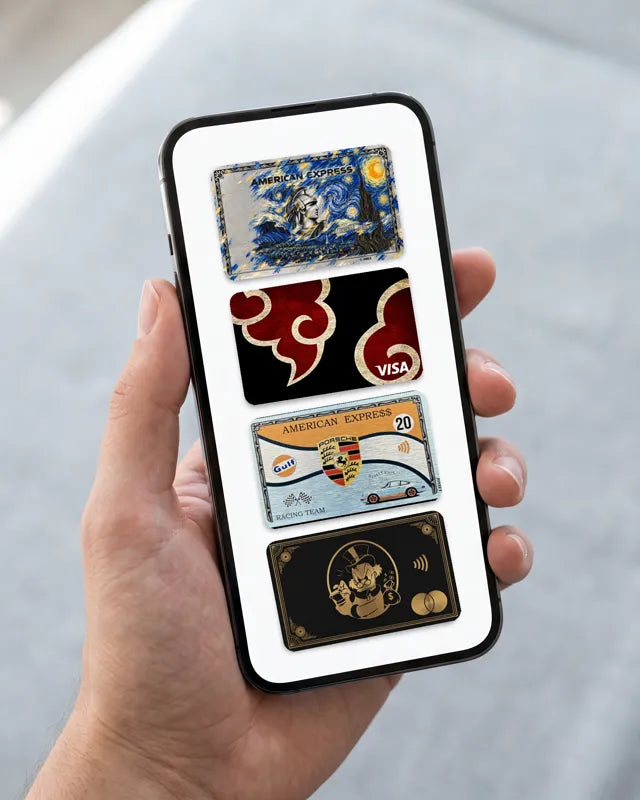
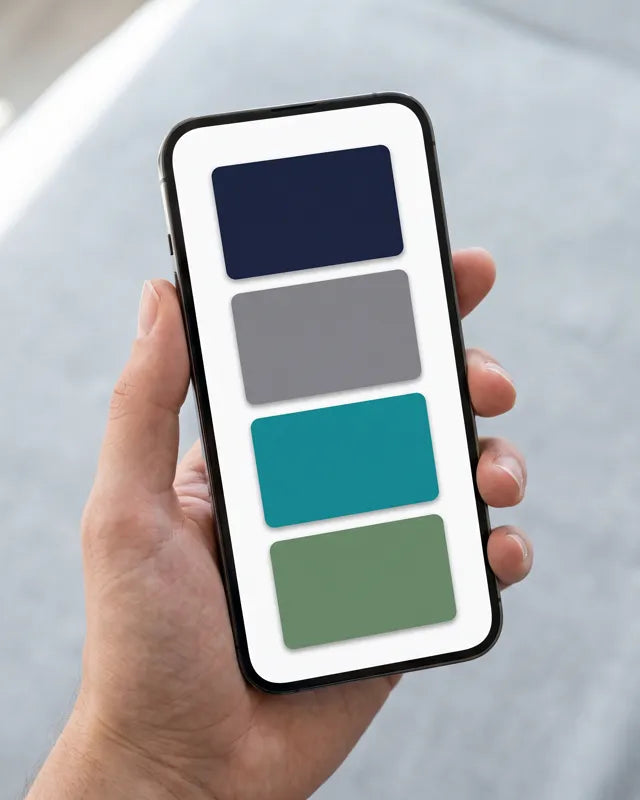
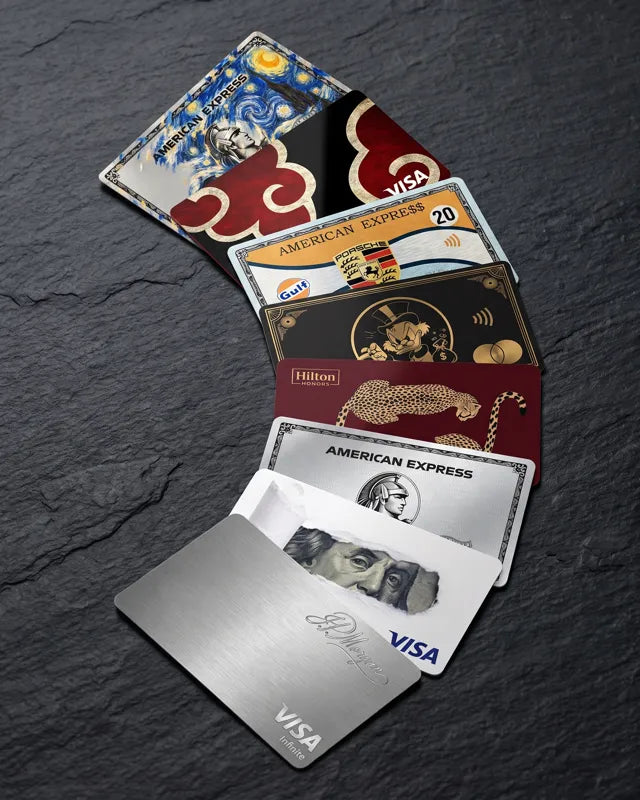
Give every card in your Apple Wallet its own look. 50 designs included.
400+ people have already restyled their Wallet
5.99€8.99€−33 %
Pay once, keep it forever – no subscription.
Optional extras
Important: Works with iOS 18 up to iOS 27.1 – not with iOS 27.2. Please check your version under Settings → General → About before buying.
Before / after
Drag the slider – this is your Wallet with EIGHT.

 Before
After
Before
After
How it works
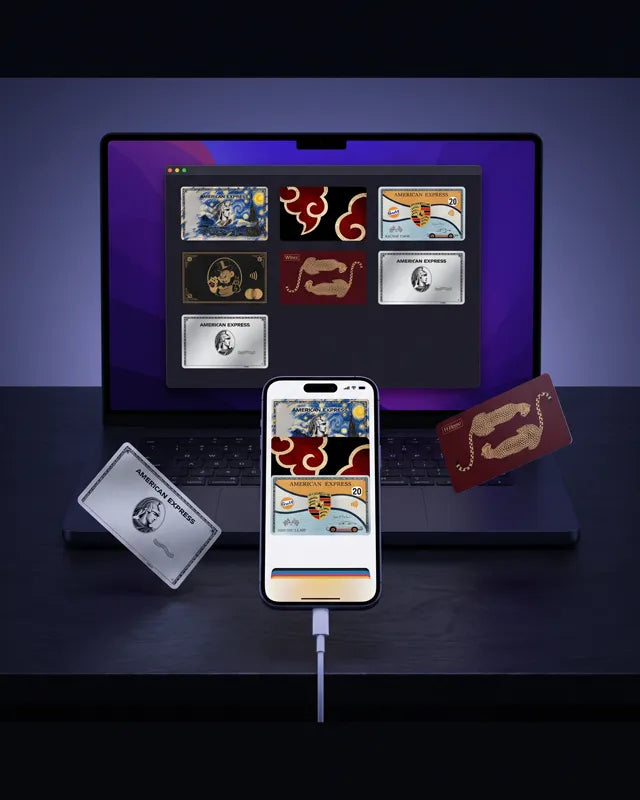
Open EIGHT.dmg and drag the app into Applications.
Plug in your iPhone, press “Scan Cards” and tap your cards in Wallet.
Click a card and choose a design – or drag your own image onto it.
Apply, reopen Wallet – done.
Set position, zoom and framing per card – so every design sits perfectly.
Designs
They come with every order – all sized perfectly for Wallet.


Add-ons
Design sets for the app – pick one and go. Bundle them with the app and save up to 10%.
2 items −10%
The discount is applied automatically in your cart.
Safe
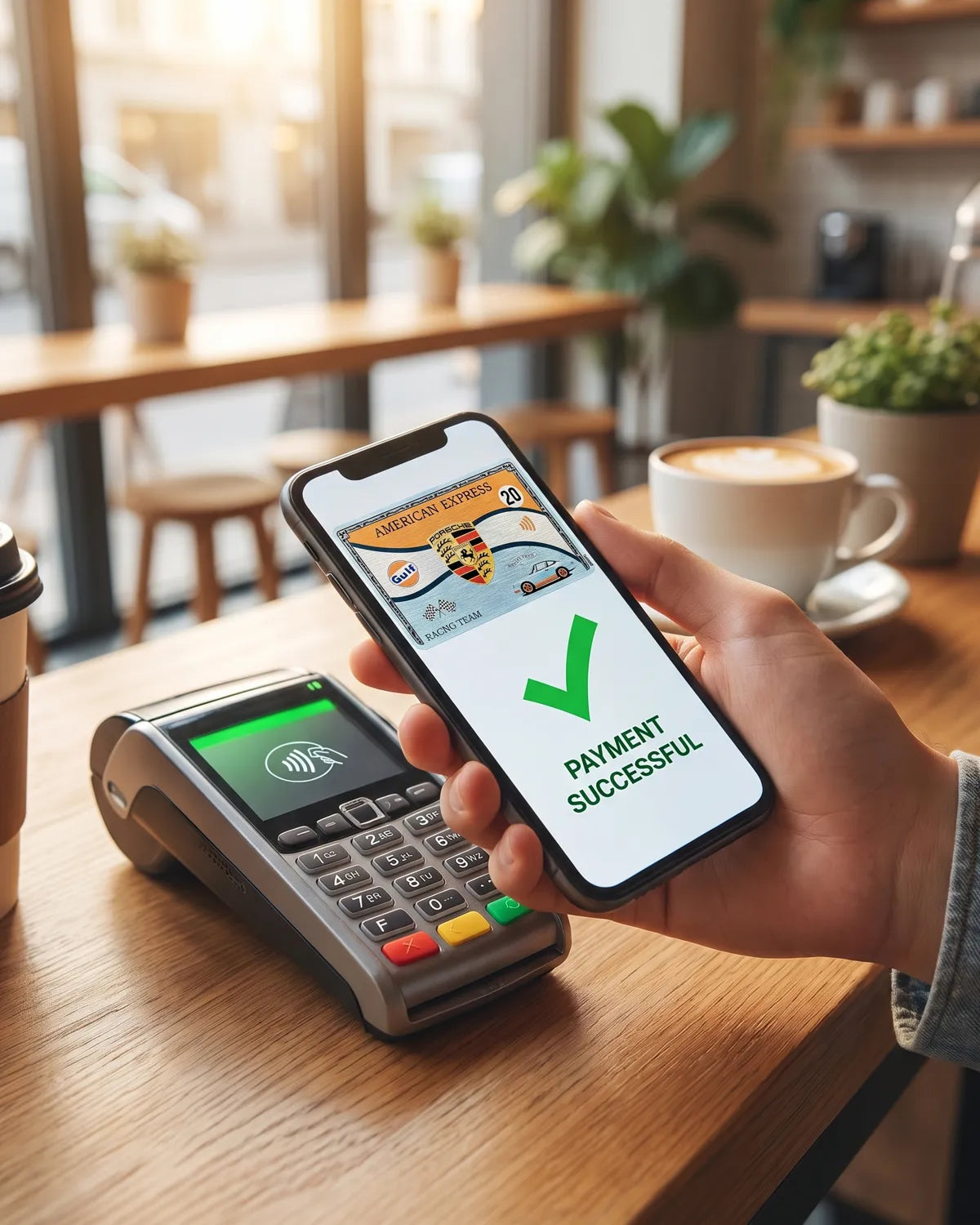
Any card in your Apple Wallet – debit, credit, transit and membership cards.
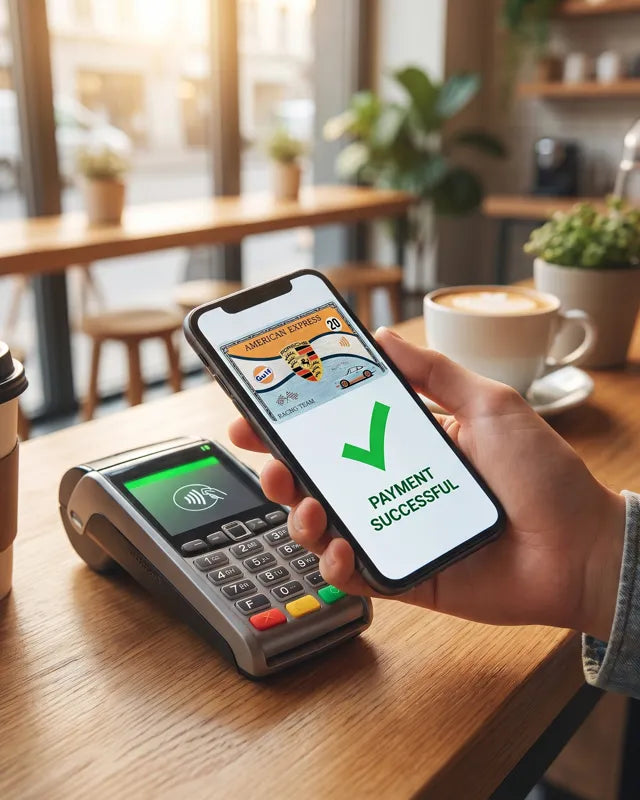
Yes. EIGHT only changes the image Wallet shows. Card numbers and payment details are never touched – you pay exactly as before.
No. EIGHT works with a normal iPhone connected to your Mac by cable.
A Mac with macOS 14 (Sonoma) or later, an iPhone with iOS 18 up to iOS 27.1 (iOS 27.2 is not supported yet) and a USB / USB-C cable.
Yes. Upload any image and set position, zoom and framing per card. 50 ready-made designs are included too.
Once applied it stays on your iPhone – no Mac needed anymore. iOS can restore the original artwork after an update or when Wallet refreshes a card. Just open EIGHT and apply again – it takes a minute.
Remove the card from Apple Wallet and add it again – Wallet re-downloads your bank's original artwork.
Yes. EIGHT runs on Apple Silicon and Intel Macs with macOS 14 (Sonoma) or later.
Yes, on first launch macOS may show an “unidentified developer” notice. Right-click the app → “Open” – the included guide walks you through every step.
No. You pay once and keep the app.
Right after purchase you get the download link by email – with the app (EIGHT.dmg) and an illustrated PDF guide. Tip: use Gmail or Outlook – iCloud addresses sometimes delay or block the link.
No. EIGHT Cards is an independent app and is not affiliated with Apple Inc. or any bank.
EIGHT Cards is an independent app and is not affiliated with or endorsed by Apple Inc. or any bank. It changes card artwork only. Apple, iPhone, Apple Pay and Apple Wallet are trademarks of Apple Inc.